RCS Business API for Real Estate: Lead Follow-Up Automation Guide (2026)
Learn how RCS Business API automates real estate lead follow-up in 2026 — rich property cards, site visit scheduling, AI-driven nurture, and verified brand messaging. Complete guide with templates.
Why RCS Business API Is Transforming Real Estate Lead Follow-Up in 2026
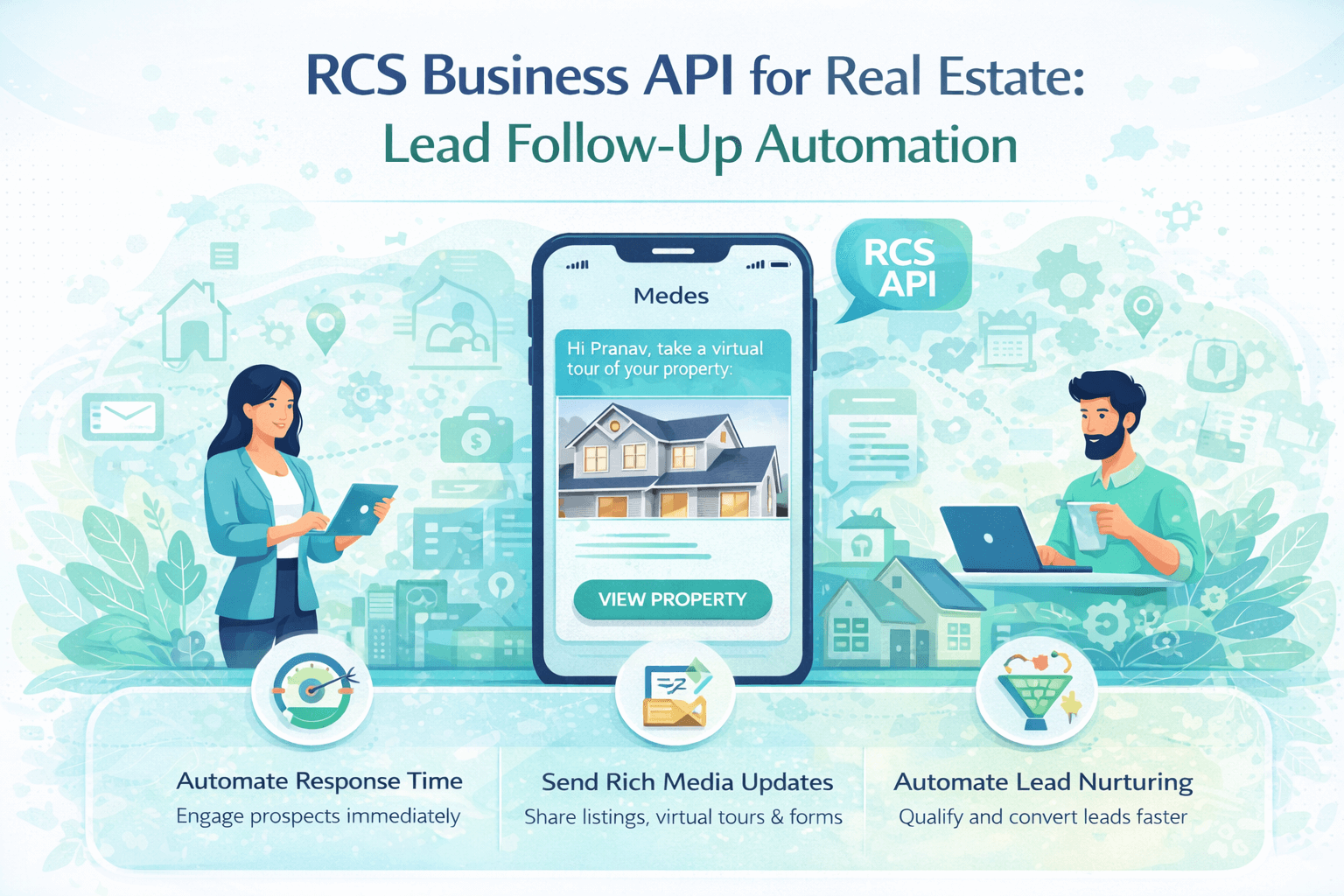
Imagine a potential homebuyer submits an inquiry at 10:47 PM. By 10:48 PM, they receive a beautifully designed RCS message — with property images, a location map, a price overview, and a one-tap button to schedule a site visit. No human involved. No delay. No cold lead.
That is exactly what RCS Business API delivers for real estate in 2026. While most agencies are still relying on SMS blasts, missed calls, and manual WhatsApp follow-ups, forward-thinking real estate brands are deploying RCS automation to respond instantly, nurture intelligently, and convert faster than ever before.
This complete guide explains exactly how RCS Business API works for real estate lead follow-up — with automation workflows, ready-to-use message templates, integration steps, and proven best practices for the Indian market.
RCS Business API for Real Estate — 2026 Key Statistics
|
Metric |
Value |
|
RCS message open rate vs
SMS |
85–95%
open rate vs 30–35% for SMS |
|
RCS engagement rate vs SMS |
2x–3x
higher engagement with rich media + interactive buttons |
|
Speed-to-lead conversion
multiplier |
21x more
likely to convert if contacted within 5 minutes of inquiry |
|
RCS-capable Android devices
in India (2026) |
600+
million devices — Jio, Airtel, Vi all enabled |
|
Real estate leads lost due
to slow follow-up |
Over 50%
of leads go cold within the first hour without response |
|
RCS fallback coverage |
Automatic
SMS fallback ensures 100% message delivery on all devices |
|
Site visit show rate with
RCS reminder |
Up to 40%
improvement vs no-reminder campaigns |
|
Lead conversion improvement
with automation |
Up to 4x
higher CTR vs standard SMS (Gupshup case study 2025) |
|
Real estate buyers starting
search online |
87% begin
property search online — messaging is the first contact channel |
|
Manual work required after
RCS setup |
Zero —
fully automated after initial configuration |
What Is RCS Business API — and Why Real Estate Brands Need It
RCS — Rich Communication Services — is the next-generation upgrade to SMS, built directly into Android's native messaging app. Unlike WhatsApp or other OTT apps, RCS requires no download and no opt-in to a third-party platform. It works inside the same messaging app your leads already use.
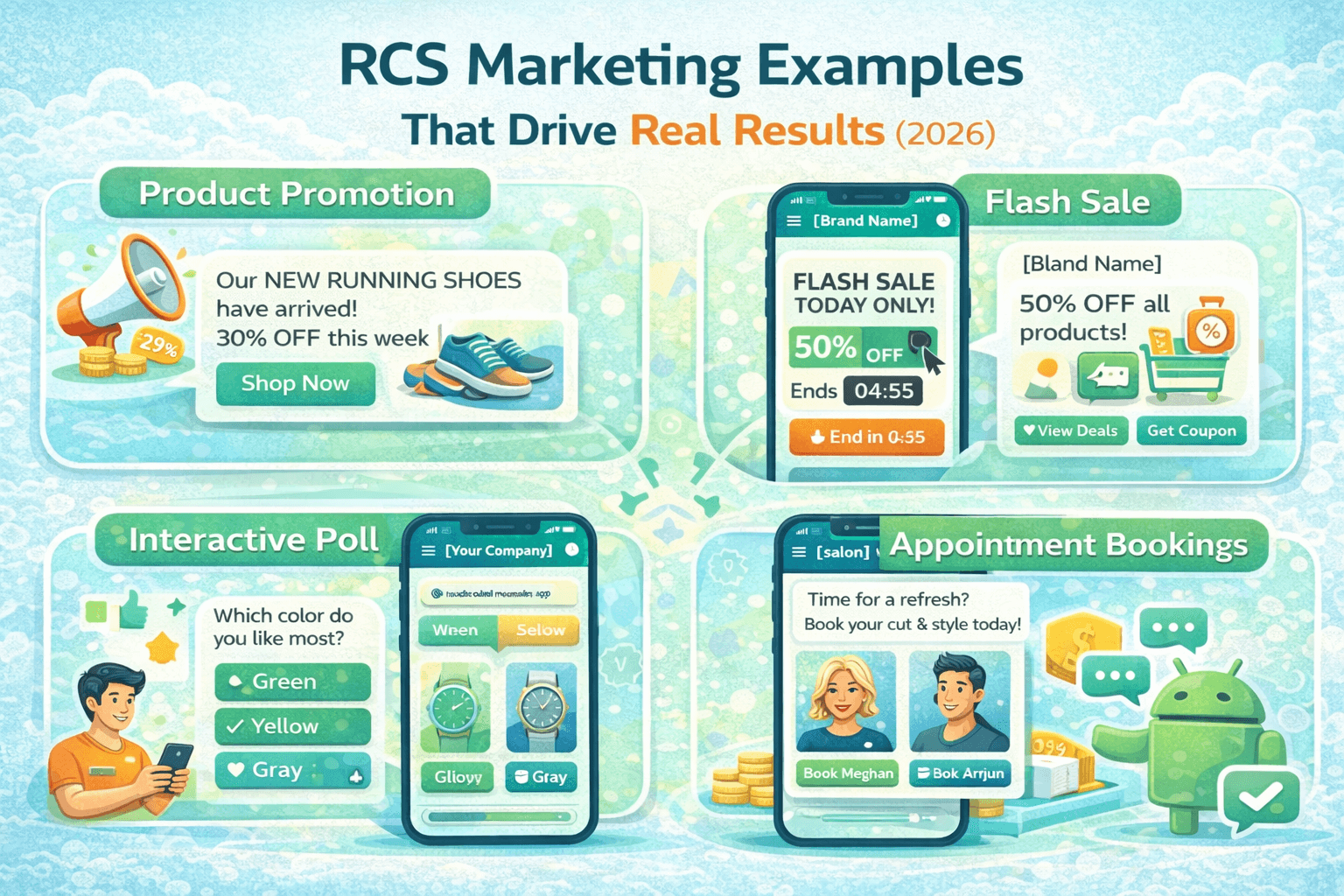
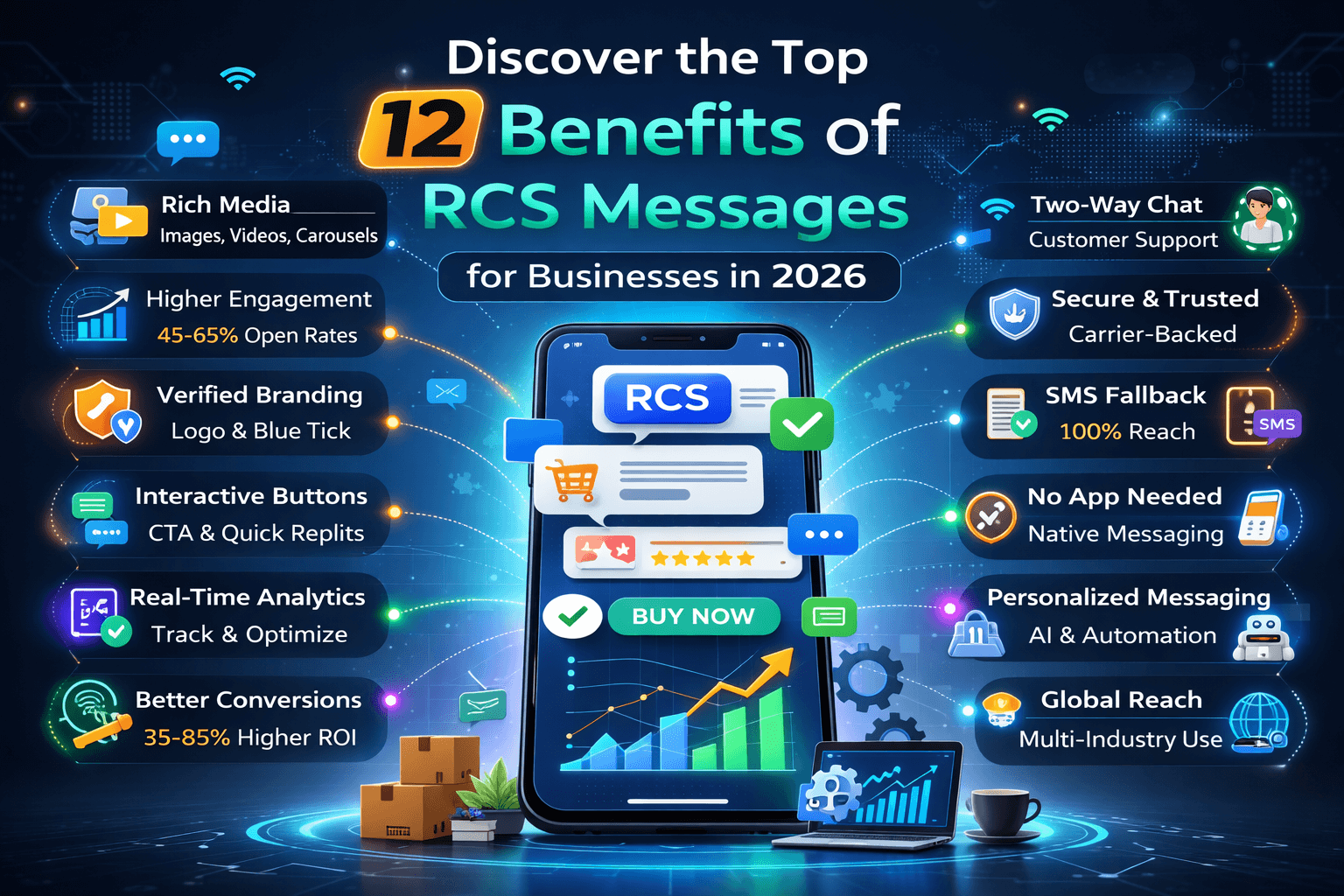
For real estate brands, RCS Business API (also called RCS Business Messaging or RBM) enables sending:
•
Full-width property images and video carousels — inside
the native message
•
Interactive quick-reply buttons: 'Schedule Site Visit',
'Get Price List', 'Call Agent Now'
•
Verified sender identity — your brand name, logo, and
verified tick instead of an unknown number
•
Location cards with map pins for property addresses
•
Suggested action buttons: call, open URL, share
location
• Automated chatbot flows — qualify leads 24/7 without any human agent
RCS vs SMS vs WhatsApp — Real Estate Comparison
|
Feature |
RCS Business
API |
WhatsApp
Business API |
SMS |
|
Open Rate |
85–95% |
90–98% |
30–35% |
|
Rich Media
(Images / Video) |
Yes — native |
Yes — native |
No |
|
Interactive
Buttons |
Yes — quick replies +
suggested actions |
Yes — template buttons |
No |
|
Verified
Brand Identity |
Yes — name, logo, verified
tick |
Yes — green tick (paid) |
No |
|
App
Download Required |
No — works in native
messaging |
Yes — WhatsApp installed |
No |
|
iOS
Support |
No (Android only) |
Yes — all platforms |
Yes — all platforms |
|
Fallback
on Non-RCS Device |
Auto SMS fallback |
No fallback |
N/A |
|
Template
Pre-Approval |
No — send freely |
Yes — Meta approval
required |
No (DLT approval India) |
|
Chatbot /
Automation |
Yes — full flow automation |
Yes — full flow automation |
Limited |
|
Cost in
India |
Per-message / BSP platform
fee |
Per-conversation Meta fee +
BSP |
Per-message DLT cost |
|
Best For |
Lead follow-up, property
showcase, nurture |
Order updates, catalog,
payments |
Basic alerts only |
7 RCS Business API Applications for Real Estate Lead Follow-Up
1. Instant Lead Response — Automated Rich
Reply Within 60 Seconds
The moment a lead submits an inquiry — from MagicBricks,
99acres, your website, or a Facebook ad — RCS automation fires an instant rich
message. The lead receives your property image, a brief overview, and action
buttons before they even reach the 'Thank You' confirmation page.
•
Trigger: New lead form submission from any channel (via
CRM webhook)
•
Message: Property hero image + project name + price
range + location
•
Buttons: 'Schedule Site Visit' | 'Download Brochure' |
'Call Agent Now'
•
Response time: Under 60 seconds — 24 hours a day, 7
days a week
2. Property Showcase Carousels — Rich Cards
for Each Unit Type
RCS carousel messages allow you to showcase multiple units,
configurations, or properties inside a single message — with individual images,
prices, and 'View Details' buttons for each card. This replaces static PDF
brochures with an interactive, in-message experience.
•
Carousel cards: 1BHK, 2BHK, 3BHK configurations with
individual images and prices
•
Each card has: Property image, unit type label, price,
and 'View Floor Plan' button
•
No app required — displays natively inside Android
messaging
•
Track which card each lead taps for intent scoring in
your CRM
3. Site Visit Scheduling — One-Tap Booking
Without Any Human Agent
RCS automation handles the entire site visit booking flow
without any human involvement. The lead selects a preferred date and time slot
directly inside the message — and the appointment is logged in your CRM and
confirmed automatically.
•
Trigger: Lead taps 'Schedule Site Visit' in the initial
response message
•
Flow: Date picker → Time slot selection →
Auto-confirmation → Calendar invite via SMS/RCS
•
Reminder: Automated RCS reminder 24 hours and 2 hours
before the visit
•
Reschedule: 'Reschedule' quick reply button in the
reminder message
4. Lead Nurture Sequences — 7-Day Automated
Follow-Up Drip
Most real estate leads do not buy on the first contact. RCS
automation runs a structured nurture sequence over 7–14 days — delivering the
right content at the right stage, warming leads progressively without any
manual effort from your sales team.
•
Day 1: Instant rich response with property overview and
site visit CTA
•
Day 2: Neighbourhood highlights — schools, hospitals,
metro, infrastructure
•
Day 4: Builder credibility — completed projects,
testimonials, awards
•
Day 6: Price comparison — why this project is value for
money
•
Day 8: Limited availability urgency — 'Only 4 units
remaining at this price'
•
Day 10: Financing options — home loan partners, EMI
calculator link
•
Day 14: Final CTA — 'Book a slot this weekend. Our team
is available.'
5. Post-Visit Follow-Up — Keep the Momentum
After the Site Visit
The 24 hours after a site visit are the highest-intent window
in the real estate sales cycle. RCS automates a precise post-visit sequence
that maintains momentum and moves the lead toward booking.
•
2 hours post-visit: 'Thank you for visiting [Project
Name]' + photo highlights of the unit they saw
•
Same evening: Price summary + current offer validity +
'Reserve Your Unit' button
•
Next day: Floor plan + payment plan options + home loan
calculator link
•
Day 3: Testimonial from a recent buyer in the same
project
•
Day 7: Final follow-up with availability update and
booking CTA
6. Re-Engagement Campaigns — Reactivate
Cold Leads Automatically
Leads that went cold 30, 60, or 90 days ago are not lost —
they are just waiting for the right trigger. RCS re-engagement campaigns use
rich media, new project updates, or price revision alerts to restart the
conversation.
•
Trigger: Lead inactive for 30+ days — automatic
re-engagement sequence begins
•
Message 1: New launch announcement or price revision
with rich images and CTA
•
Message 2 (Day 3): 'We held a unit for you — price
valid until [date]' urgency message
•
Message 3 (Day 7): Personal touch — 'Your [project
name] search may still be active. Is now a good time?'
•
Exit: If no engagement after 3 messages, pause sequence
and flag for agent call
7. CRM Integration — Every Interaction
Logged and Synced Automatically
RCS Business API integrates with your CRM via webhook — so
every message sent, every button tapped, and every site visit booked is logged
automatically in your lead management system. No manual data entry. No lost
interactions.
•
Supported CRMs: Salesforce, HubSpot, Zoho CRM,
LeadSquared, freshsales, custom CRMs via webhook
•
Auto-log: Lead response, button taps, site visit
confirmations, and no-shows
•
Intent scoring: Assign score based on which messages
the lead engaged with
•
Agent handoff: When lead score crosses threshold,
auto-assign to sales agent with full interaction history
Step-by-Step: How to Set Up RCS Lead Follow-Up Automation
Follow these 5 steps to deploy RCS Business API for your real estate brand. The full setup takes 3–5 business days including carrier approval.
|
STEP 1 |
Choose
a RCS Business Solution Provider (BSP) Select a GSMA-certified
RCS BSP with Indian carrier integration — Jio, Airtel, Vi support is
essential for the Indian market. Recommended BSPs for
India: Gupshup, Kaleyra, Route Mobile, ValueFirst, Infobip. Verify they offer:
Webhook-based CRM integration, fallback SMS, analytics dashboard, and chatbot
builder. Request a demo account
and test RCS delivery on your own Android device before signing up. |
|
STEP 2 |
Register
Your Brand and Get RCS Sender Verified Submit your brand
registration to the BSP — includes business name, logo, verified website, and
official contact details. Your BSP submits the
registration to Google and GSMA for RCS Business Messaging (RBM)
verification. Approval timeline: 3–7
business days for Indian market verification. Once approved, your
messages show your brand name, logo, and a verified checkmark — building
instant trust with leads. |
|
STEP 3 |
Design
Your Lead Follow-Up Message Flows Map out your automation
sequences: instant reply flow, 7-day nurture drip, post-visit sequence, and
re-engagement campaign. Use your BSP's flow
builder or JSON-based RCS message templates to design each message. For each message:
define trigger, rich media assets (images, carousel cards), button labels,
and fallback SMS text. Test every flow on a
real Android device before going live — confirm buttons, images, and flows
work as expected. |
|
STEP 4 |
Integrate
With Your CRM and Lead Sources Connect your CRM
(Salesforce, HubSpot, Zoho, LeadSquared) to the RCS platform via webhook or
native integration. Set up portal
integrations: MagicBricks, 99acres, Housing.com, and Facebook Lead Ads all
support webhook-based lead forwarding. Configure triggers:
'New lead received' → 'Fire RCS instant response sequence' — automation
begins within 60 seconds. Map CRM fields: ensure
lead name, phone, property interest, source, and inquiry date all pass
correctly to the RCS platform. |
|
STEP 5 |
Go
Live, Monitor, and Optimise Launch your automation
with a small test batch — send to 50–100 leads manually to verify all flows
trigger correctly. Monitor open rates,
button tap rates, site visit bookings, and conversion rates in your BSP
analytics dashboard. A/B test: message
timing (immediate vs 5-min delay), button labels, property image styles, and
offer copy. Optimise monthly:
update property images, refresh offer details, adjust sequence timing based
on drop-off data. |
Ready-to-Use RCS Message Templates for Real Estate
Use these templates as the foundation for your RCS automation sequences. Customise the placeholder variables with your project name, pricing, and brand details before deployment.
Template
1 — Instant Lead Response (Within 60 Seconds)
|
RCS Template — Instant
Lead Response |
|
Hello {{lead_name}}! Thank you for your
interest in {{project_name}}. Here is a quick
overview: 📍 Location:
{{location}} 🏠
Configurations: {{config}} (e.g., 2BHK, 3BHK) 💰 Starting
Price: ₹{{price}} onwards What would you like to
do next? [Schedule Site
Visit] [Download Brochure] [Call Our Agent] |
Template
2 — Site Visit Confirmation
|
RCS Template — Site Visit
Confirmation |
|
Hi {{lead_name}}, your
site visit is confirmed! 📅 Date:
{{visit_date}} ⏰ Time: {{visit_time}} 📍 Address:
{{project_address}} Your agent:
{{agent_name}} | {{agent_phone}} We look forward to
meeting you! [Get Directions] [Call Agent] [Reschedule] |
Template
3 — 24-Hour Site Visit Reminder
|
RCS Template — Site Visit
Reminder |
|
Hi {{lead_name}}! Just
a friendly reminder: Your site visit to
{{project_name}} is TOMORROW. 📅
{{visit_date}} at {{visit_time}} 📍
{{project_address}} Your agent
{{agent_name}} will meet you at the gate. See you there! 🏠 [Get Directions] [Reschedule] [Cancel] |
Template
4 — Post-Visit Follow-Up (Same Evening)
|
RCS Template — Post-Visit
Follow-Up |
|
Hi {{lead_name}}, It was wonderful
showing you {{project_name}} today! As discussed, here is
the summary: 🏠 Unit:
{{unit_type}} — ₹{{unit_price}} 📋 Current
offer: {{offer_details}} ⏳ Offer valid until:
{{offer_expiry}} Ready to take the next
step? [Reserve This
Unit] [Request Payment Plan] [Talk to Agent] |
Template
5 — Re-Engagement (Cold Lead Revival)
|
RCS Template — Cold Lead
Re-Engagement |
|
Hi {{lead_name}}! You had shown interest
in {{project_name}} a while ago. We have some exciting
updates: 🔥
{{update_detail}} (e.g., New tower launched / Price revised) 🏠 Units still
available: {{available_units}} 💰 Current
Price: ₹{{updated_price}} Prices are moving.
Would you like to revisit? [Schedule Visit] [Get Updated Pricing] [Not Interested] |
5 Key Benefits of RCS Lead Automation for Real Estate
|
Benefit |
What It Does |
Business
Impact |
|
Zero
Response Delay |
Automated reply within 60
seconds — 24/7 |
21x higher lead conversion
vs delayed response |
|
Rich
Property Showcase |
Images, carousels, and
floor plans inside message |
2–3x higher engagement vs
plain text follow-up |
|
One-Tap
Site Visit Booking |
Lead books visit inside the
message — no call needed |
40% improvement in site
visit show rates |
|
Verified
Brand Identity |
Your name, logo, verified
tick on every message |
Higher lead trust and
response vs unknown number |
|
Full CRM
Automation |
Every interaction logged
and scored automatically |
Agents focus only on hot,
engaged leads |
6 Common Mistakes Real Estate Brands Make With RCS Automation
|
Mistake |
Why It Hurts |
The Fix |
|
Sending
one-time message with no nurture sequence |
Lead goes cold after Day 1
with no follow-up |
Build a 7–14 day drip
sequence from Day 1 |
|
Generic
message not personalised with lead name |
Feels automated and robotic
— low engagement |
Always use {{lead_name}}
and {{project_name}} variables |
|
Not
setting up SMS fallback for iOS and non-RCS devices |
Missing 20–30% of leads on
non-Android devices |
Ensure your BSP has
automatic SMS fallback enabled |
|
Sending
same message to all leads regardless of unit interest |
Irrelevant content = low
conversion and unsubscribes |
Segment by unit type,
budget, and inquiry source |
|
No CRM
integration — manual lead management |
Interactions lost,
follow-ups missed, duplicate contact |
Integrate CRM via webhook
before going live |
|
Launching
without testing on real Android device |
Broken flows, wrong image
ratios, failing buttons |
Test all 5 templates on 3
devices before launch |
Frequently Asked Questions
Q1: Does RCS Business API work on iPhones in India?
RCS currently works only on Android devices. For iPhone users and older Android devices without RCS support, your BSP automatically sends an SMS fallback message. This ensures 100% delivery coverage for all leads regardless of device type. As Apple RCS support expands in 2025–2026, this limitation is expected to reduce.
Q2: How long does RCS Business API setup take for a real estate brand?
The full setup takes 3–7 business days — including brand verification (3–5 days), message flow design (1–2 days), and CRM integration (1 day). Your BSP handles the carrier registration. Once approved, your automation can go live immediately.
Q3: Do RCS messages require pre-approval like WhatsApp templates?
No. RCS Business Messaging does not require template pre-approval like WhatsApp API. However, your brand identity (name, logo, verified status) must be approved by Google and the carriers before you can send RCS messages. Message content itself is free to update without approval after brand verification.
Q4: How does RCS compare to WhatsApp API for real estate leads?
Both channels are powerful. RCS has no app download requirement and works natively — ideal for the first-response and awareness stage. WhatsApp has near-universal adoption across all phone types and is preferred for ongoing conversations, catalog sharing, and payment flows. The ideal strategy combines both — RCS for immediate engagement, WhatsApp for deeper conversation and conversion.
Q5: Which Indian property portals support RCS integration?
MagicBricks, 99acres, Housing.com, and NoBroker all support lead forwarding via webhook, which can trigger your RCS automation instantly. Facebook Lead Ads, Google Lead Form Ads, and your own website inquiry forms can also trigger RCS sequences via Zapier or direct API integration.
Q6: What is the cost of RCS Business API for real estate in India?
RCS pricing in India is typically per-message or on a platform subscription model through your BSP. Costs vary by BSP — expect a monthly platform fee plus per-message rates. RCS is generally competitive with WhatsApp API costs and significantly more cost-effective than individual agent call time for first-response follow-up.
Q7: Can we track which property each lead is interested in via RCS?
Yes. RCS button tap events (e.g., 'View 2BHK Details' vs 'View 3BHK Details') are tracked and can be synced to your CRM via webhook. This allows you to automatically segment leads by unit interest and personalise all subsequent messages accordingly — significantly improving conversion rates.
Q8: How do we handle leads who reply in Hindi or regional language?
Most RCS BSPs support multi-language message templates. You can create Hindi, Marathi, Telugu, and other language variants of your sequences and trigger the appropriate language version based on the lead's location or language preference captured during inquiry. AI-powered NLP chatbots can also detect language and respond accordingly.
RCS Lead Automation — Feature Summary
|
Feature |
Capability |
|
Instant Lead Response |
Automated
rich message within 60 seconds of inquiry — 24/7 |
|
Property Carousel |
Multi-unit
showcase with images, price, and 'View' buttons per card |
|
Site Visit Scheduling |
One-tap
in-message booking with CRM sync and auto-reminder |
|
7-Day Nurture Sequence |
Fully
automated drip — neighbourhood, credibility, pricing, financing |
|
Post-Visit Follow-Up |
5-message
sequence starting 2 hours after site visit |
|
Re-Engagement Campaign |
3-message
reactivation for leads inactive 30+ days |
|
CRM Integration |
Salesforce,
HubSpot, Zoho, LeadSquared, custom via webhook |
|
Portal Integration |
MagicBricks,
99acres, Housing.com, Facebook Ads, Google Ads |
|
SMS Fallback |
Automatic
fallback for iOS and non-RCS Android devices |
|
Analytics Dashboard |
Message
delivery, open rate, button taps, conversion tracking per sequence |
|
Language Support |
Hindi,
English, and regional language template variants |
|
Setup Time |
3–7
business days including brand verification |
Conclusion
RCS Business API is not a future technology for real estate — it is available now, working on 600+ million Android devices across India, and delivering measurable results in lead conversion for brands that have deployed it. The window to be an early mover in your market is still open.
The real estate brands that implement RCS lead follow-up automation in 2026 will have a decisive advantage: instant rich responses, one-tap site visit scheduling, verified brand identity, and a fully automated nurture machine that never misses a lead — regardless of inquiry time, day, or volume.
Use the 5-step setup guide, the 5 ready-to-use templates, and
the 7-day nurture framework in this article to go live. Monitor your open
rates, site visit show rates, and conversion metrics monthly. Optimise the
sequences as your data grows.